



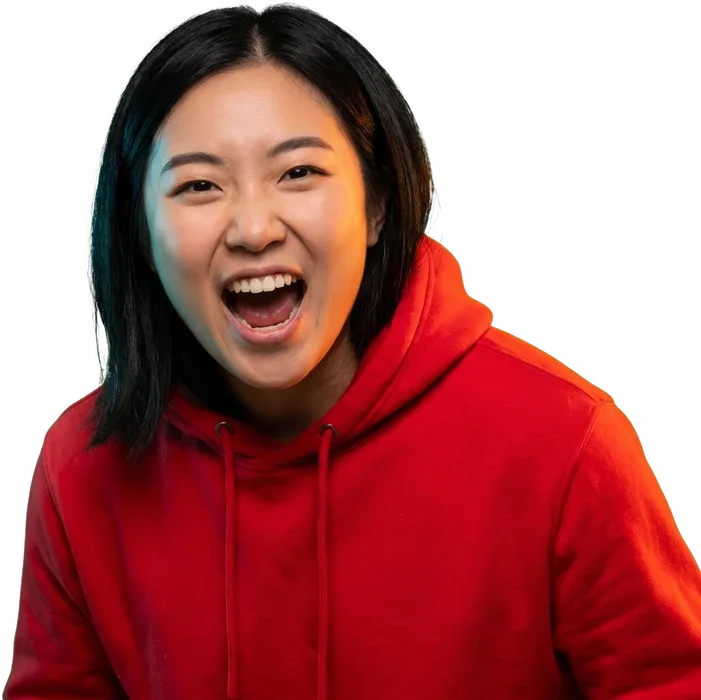
You make great videos. Nobody clicks them.
Edit text, subjects and backgrounds as separate layers.
 Background
 Subject
I EDITED THIS
1280 × 720real layers · real text · export 1280×720
5 slides
real text · one deck · export 1080 × 1350
- Real text, never pixels
- Every layer is yours
- Fix it, don't re-prompt
What actually goes wrong.
90%
of top YouTube videos use a custom thumbnail, says YouTube's own Creator Academy.
-
01 / invisible
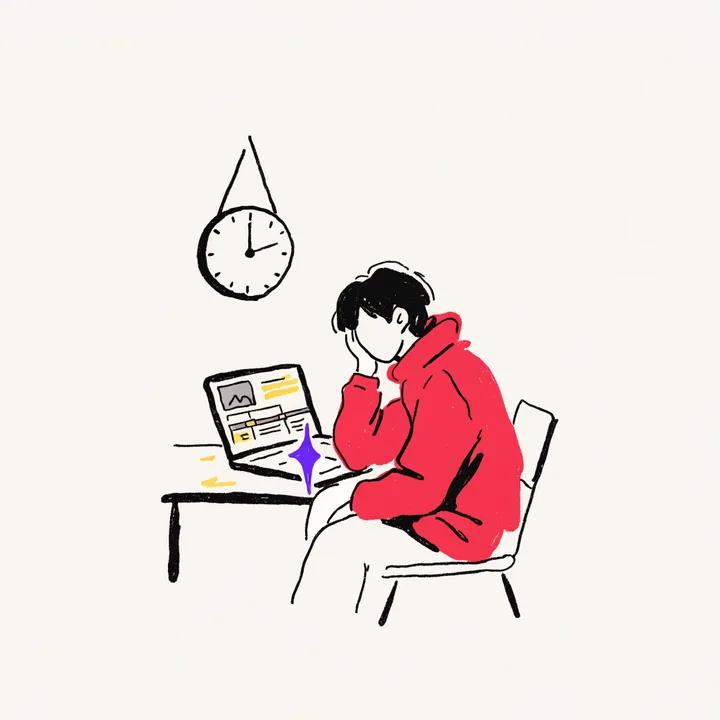
12 hours editing. 4 minutes on the thumbnail.
Nobody finds out how good the video was.
-
02 / overwhelmed
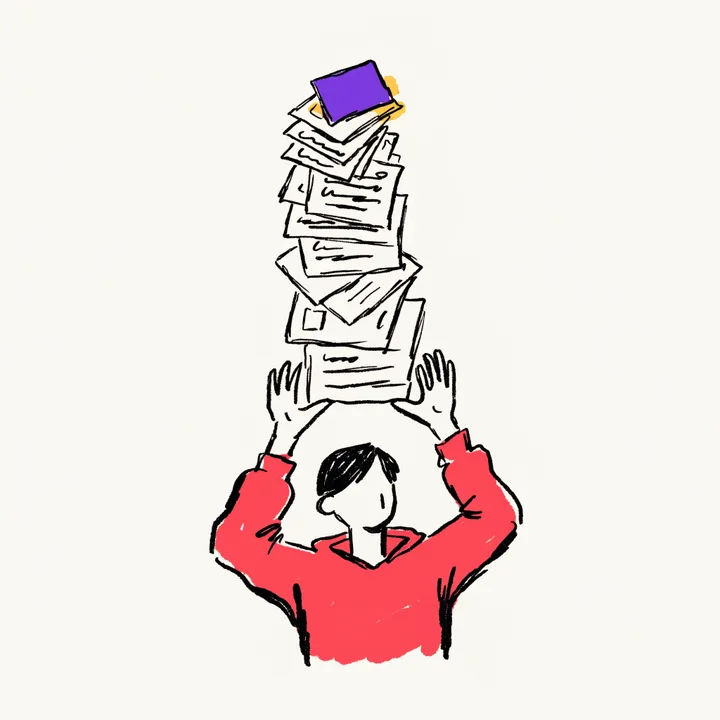
Ten tools. Ten bills. Still not a designer.
You wanted to make videos.
-
03 / prompt roulette
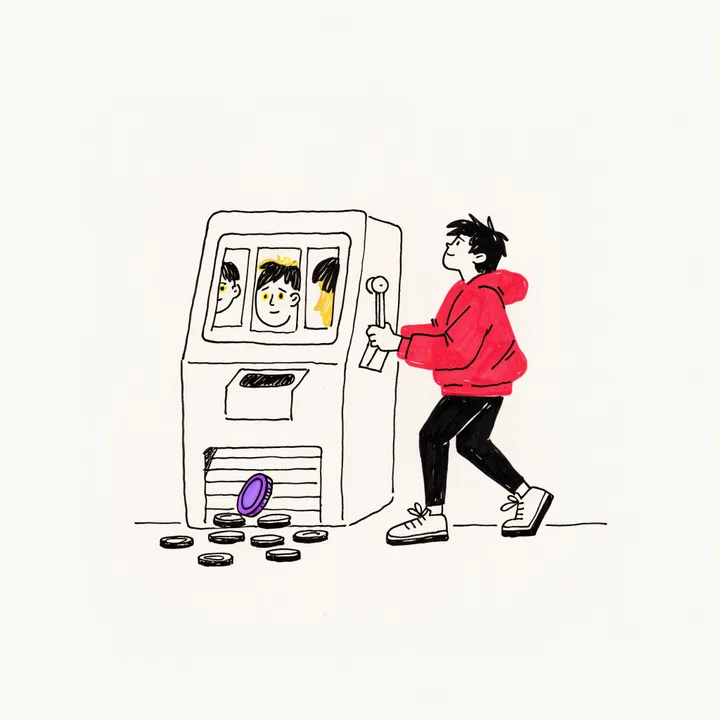
Every fix is another roll of the dice.
Prompt, pray, repeat.
The old way
The ten tools they tell you to learn.
DesignerOP
One studio. Real layers. Done. Compare with Canva
What you get
Every asset a creator ships.


YouTube, Instagram, TikTok. 16:9 · 9:16
Thumbnails & covers
Start from a reference that already works.
free: thumbnail preview · safe zones · size guide · cover sizes · resizer
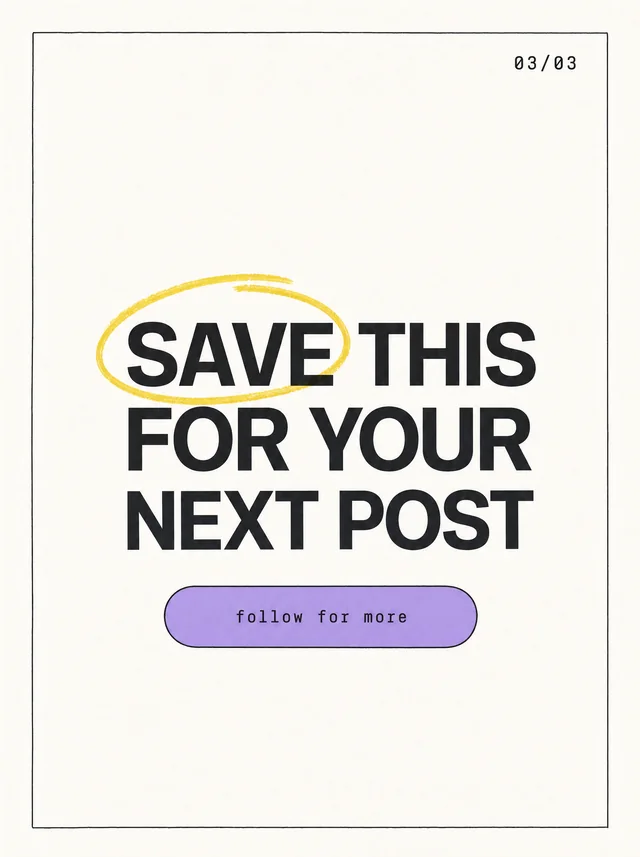
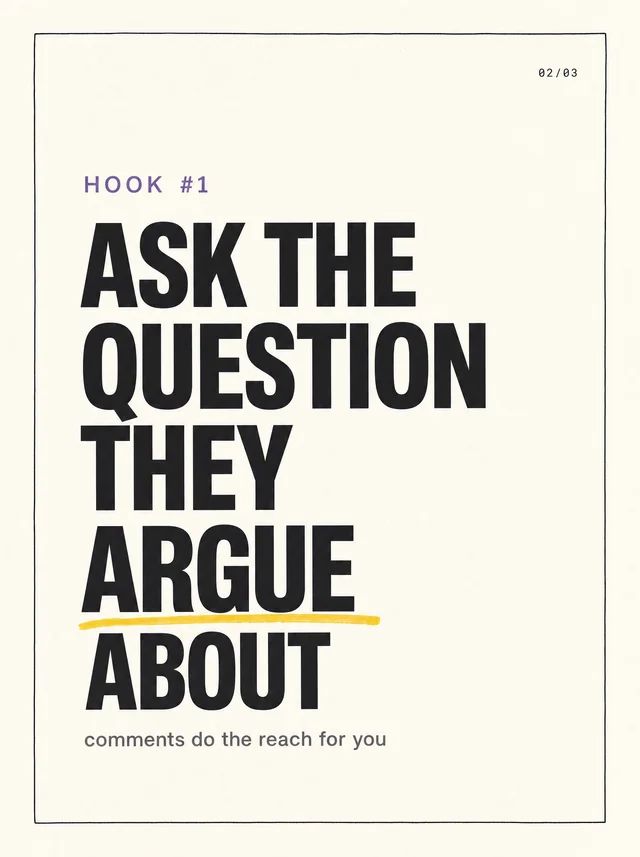
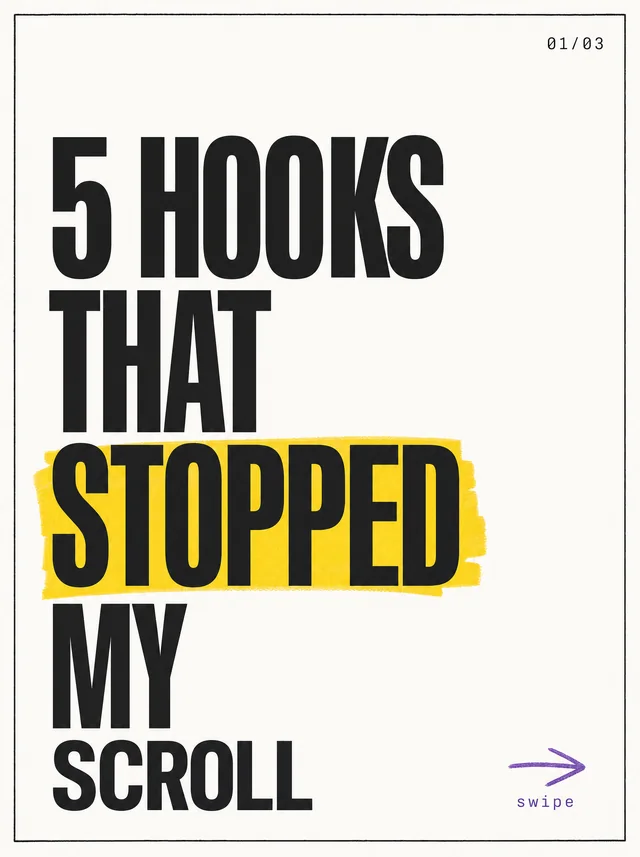
Instagram, LinkedIn, TikTok. 4:5 · 1:1 · 9:16
Carousels
Drop in a video, get a draft deck.
free: carousel splitter · video to carousel
How it works
Three steps. Then you post.
-
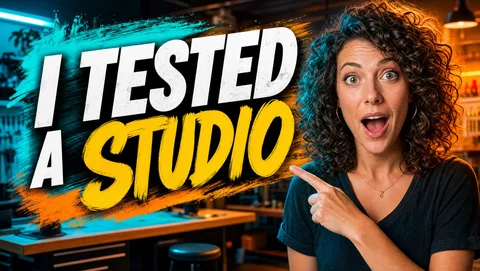
> title: I tested a $1 studio
1 Describe
Your title and a reference thumbnail you admire.
-
building layers… bg ✓ subject ✓ text ✓
2 Generate
The reference's structure, rebuilt with your subject. Nothing is baked in.
-
moverestylecurveexport
3 Make it yours
Drag layers, swap styles, export sharp.

-
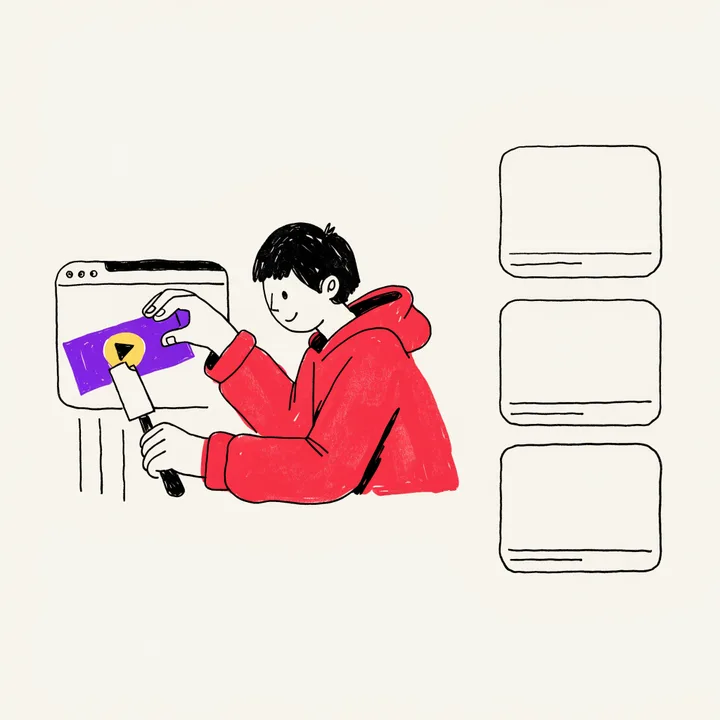
1 Paste
Your script. The maker drafts your slides.
-
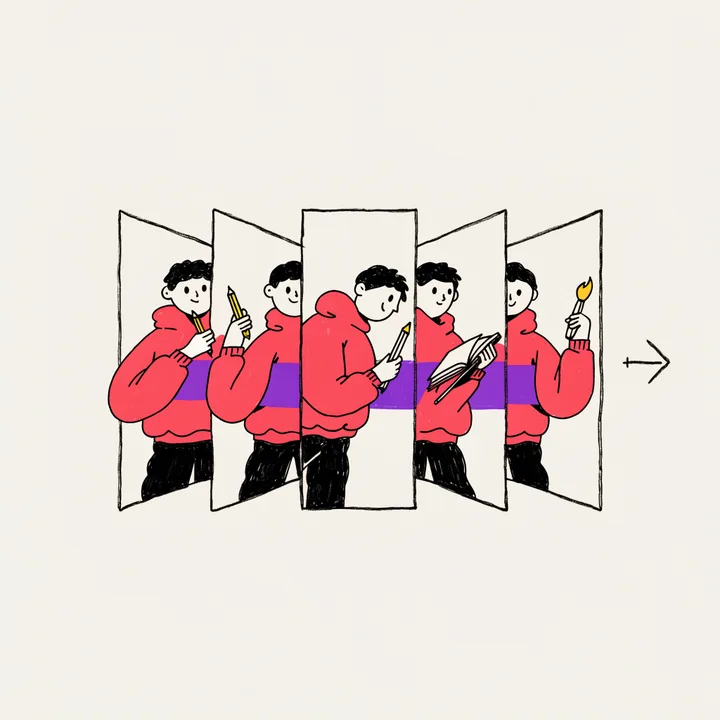
2 Deck
One shape, one type scale, one band across the whole set.
-

3 Post
Every slide is real type, so fixing a line takes seconds.
Make it yours. Pay once.
Planned one-time packs, with optional AI credit top-ups.
Creator
$29 one time
For your next creative project.
Pack details coming soon.
- Real, editable text and independent layers
- Manual edits use no AI credits
- AI action prices shown before you generate
Studio
$49 one time
For your ongoing creative workflow.
Pack details coming soon.
- The same editable design foundation
- Additional workflow benefits being developed
- Optional AI credit top-ups
Prelaunch. Checkout is not open. Pack details and top-up prices will be confirmed before purchase. Read the pricing details.
Questions
What creators actually search for.
Can AI make YouTube thumbnails?
It can make the picture. What it cannot reliably make is the words, because a generator paints letterforms as pixels rather than setting type. DesignerOP splits the job: the image is generated, the text stays real editable type. Full answer.
Why does the text in AI-generated thumbnails come out garbled?
Because an image model is drawing shapes that look like letters, not typesetting words it understands. Every regeneration is another roll of the dice. Words you type into DesignerOP are genuine text objects in real fonts, so a typo is a two-second fix rather than another generation. Why this happens.
What size should a YouTube thumbnail be?
YouTube recommends 3840 x 2160 px at 16:9, with a minimum width of 640 px, as JPG or PNG. Exporting at 1920 x 1080 satisfies the recommendation, the minimum and the 2 MB mobile upload cap at once. The 16:9 ratio is the only spec with no tolerance. Every number.
Why do YouTube thumbnails look blurry?
Almost always compression rather than resolution. YouTube re-encodes every upload and serves a ladder of derivatives down to 120 x 90, and thin type, soft gradients and busy backgrounds are what fall apart first. The fix is usually the design, not a bigger file. See yours at every size.
Can I change a YouTube thumbnail after posting a video?
Yes, on a published video, as many times as you like. Swapping it does not delete views, wipe watch time or restart the video's ranking, and YouTube's own help page says a re-rank after a change comes from how viewers respond rather than from the act of changing it. The catch is that once it changes on a video that is already performing, you cannot compare like for like. Full answer.
How many slides should an Instagram carousel have?
Enough to finish one idea, which in practice is six to ten. Instagram allows up to twenty in the app. Every slide is a chance for someone to swipe away, so slides that exist to pad the count cost you more than they add. Full answer.
Why does Instagram crop my carousel photos?
Because the first slide sets the ratio and every slide after it is forced to match. Build the whole deck at 1080 x 1350 px, a 4:5 portrait, and nothing gets cut. A square opening slide locks the rest of the deck to square. Carousel specs.
How is DesignerOP different from Canva?
Canva starts you at a shared template and asks you to design. DesignerOP starts from a reference that already works and rebuilds it as separate layers you control, with text that was never pixels in the first place. The full comparison.
What does DesignerOP cost, and when does it launch?
Planned packs are Creator at $29 and Studio at $49, paid once, with optional top-ups. Manual edits use no AI credits. DesignerOP is in prelaunch; checkout and final pack contents are not yet available. See pricing details.
Every other question creators ask, with the specs and the sources, is on the full FAQ.
Free while you wait
Nothing to pay to start getting better.
Thirteen tools, no sign-up.
- YouTube thumbnail preview
- Thumbnail tester
- Thumbnail A/B tester
- Safe zone checker
- Thumbnail contrast checker
- Background remover
- YouTube thumbnail grabber
- YouTube title checker
- Thumbnail font pairing
- Colour palette extractor
- Cover size previewer
- Social image resizer
- Carousel splitter
worth reading
Stop losing clicks you earned.
Join the waitlist and be first in when DesignerOP opens.
no spam, one email when we launch